Styling the Cultural Web

What does it mean to work digitally? From Markdown to the language of the web

Any Questions?

Today’s Agenda

  • Review the command line maze homework
  • Review the introduction to Markup and Styling Web Documents lesson
  • Work on your group assignments, complete any mazes that have yet to be tested.

Homework Review

Who wants to volunteer to share their code?

From Markdown to HTML

Last week we learned about Markdown. This week you learned about HTML.

So what is a Markup language?

What type of Markup Language is this?

What does HTML stand for?
Click for Definition

How can we create an HTML file?

Bonus if you can do it exclusively in the terminal!

How can we add content to an HTML file?

More bonus if you can do it exclusively in the terminal!

How is HTML structured?

What tags could we add to make our content more organized?

What happens if we add <p> and </p> tags around our text?

Anatomy of an HTML Tag

<p>My first page!</p>
  • Opening tag: <p>
  • Content: “My first page!”
  • Closing tag: </p>
  • Element: all three together

How can we inspect the HTML of a webpage?
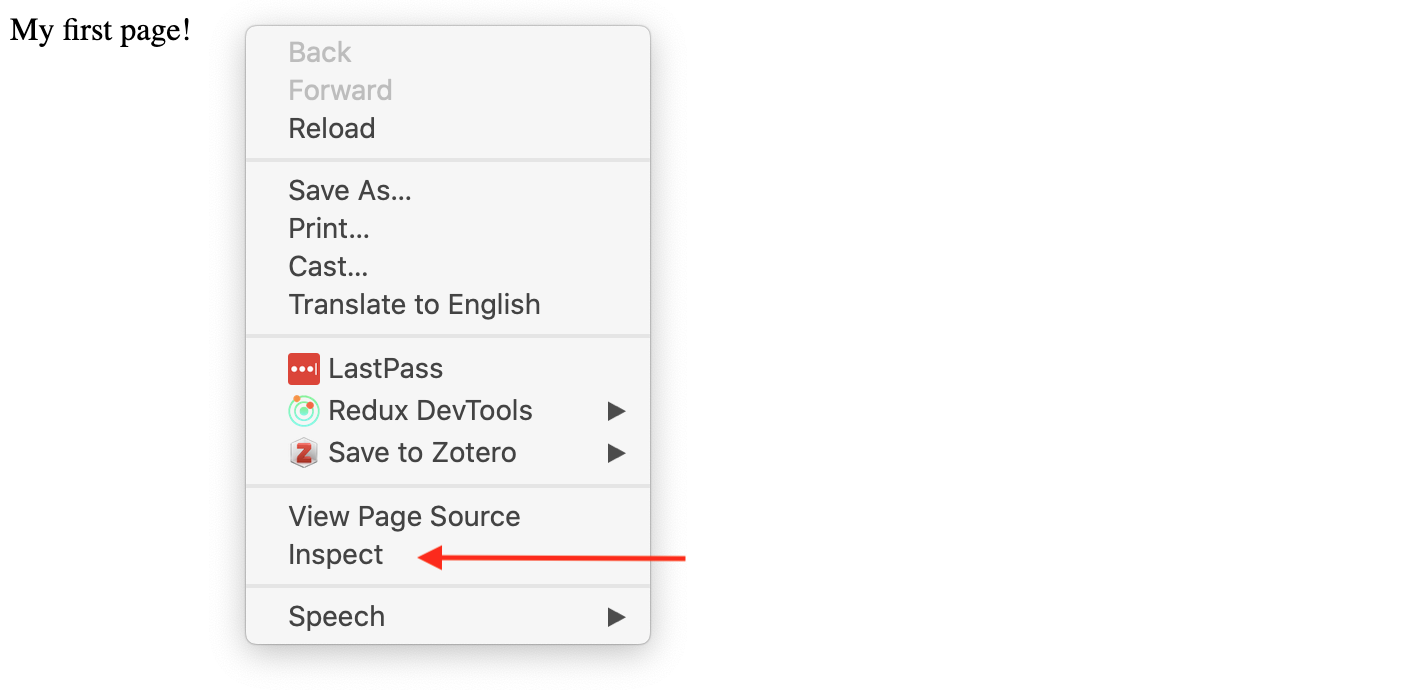
Inspect Page

What is an HTML attribute?

HTML elements can have attributes—extra information about the element.

This diagram is also from the Mozilla docs and you can read more about how HTML elements can also have attributes here.

What is an href attribute?

Bonus what sorts of tags do we use href with?

Reviewing Common HTML Tags

  • How could I add a header to my page?
  • What about a list of items? How can we nest lists?
  • What about a link to another page?

What are some of the limitations of HTML?

Learn More About HTML

Understanding these limitations is important as we start to work with HTML and other web technologies. For more detailed information, I recommend reading through this introduction from Mozilla on HTML.

How can we add style to our HTML?

How could we change the color of the text?

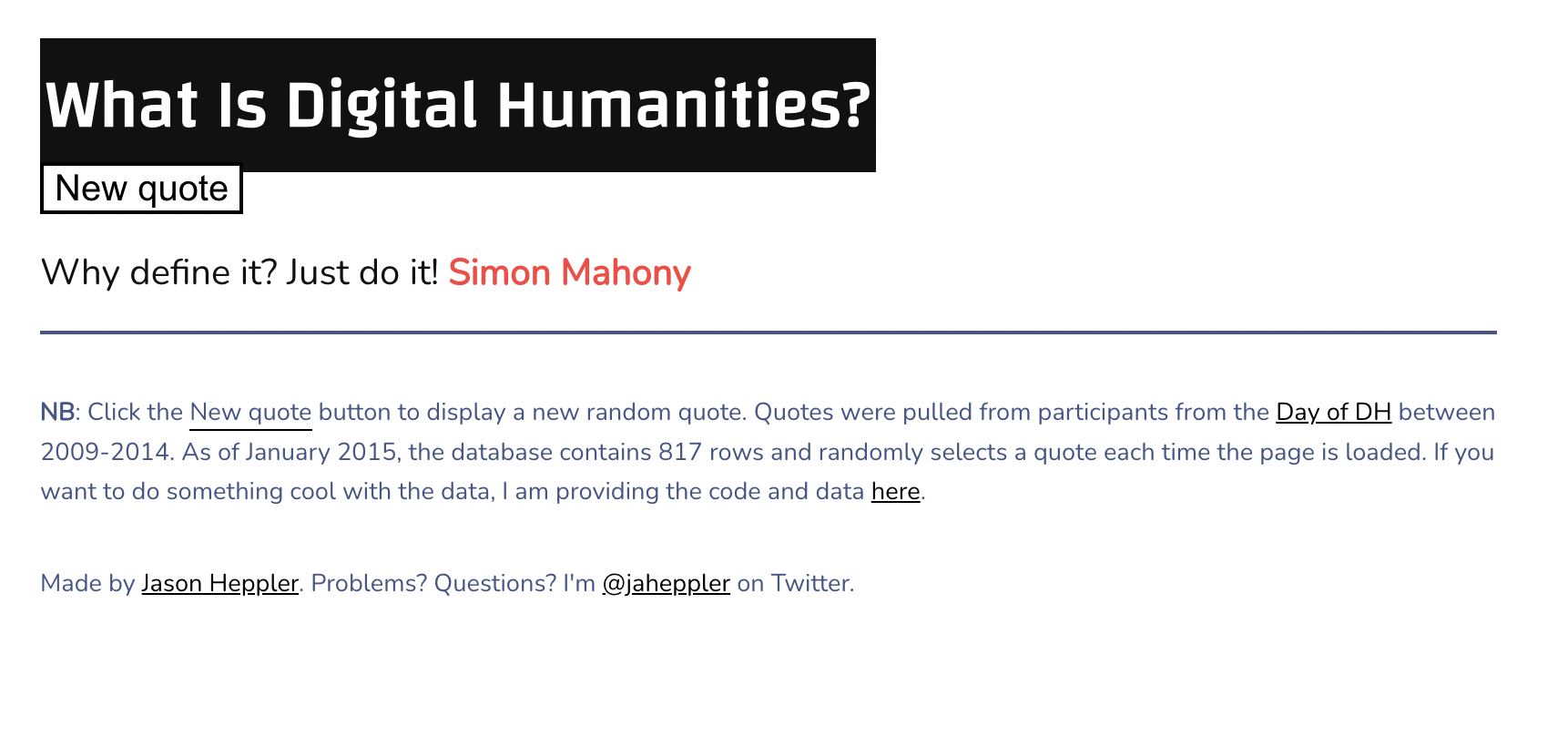
What did we learn from whatisDH.com ?

What is Digital Humanities Website

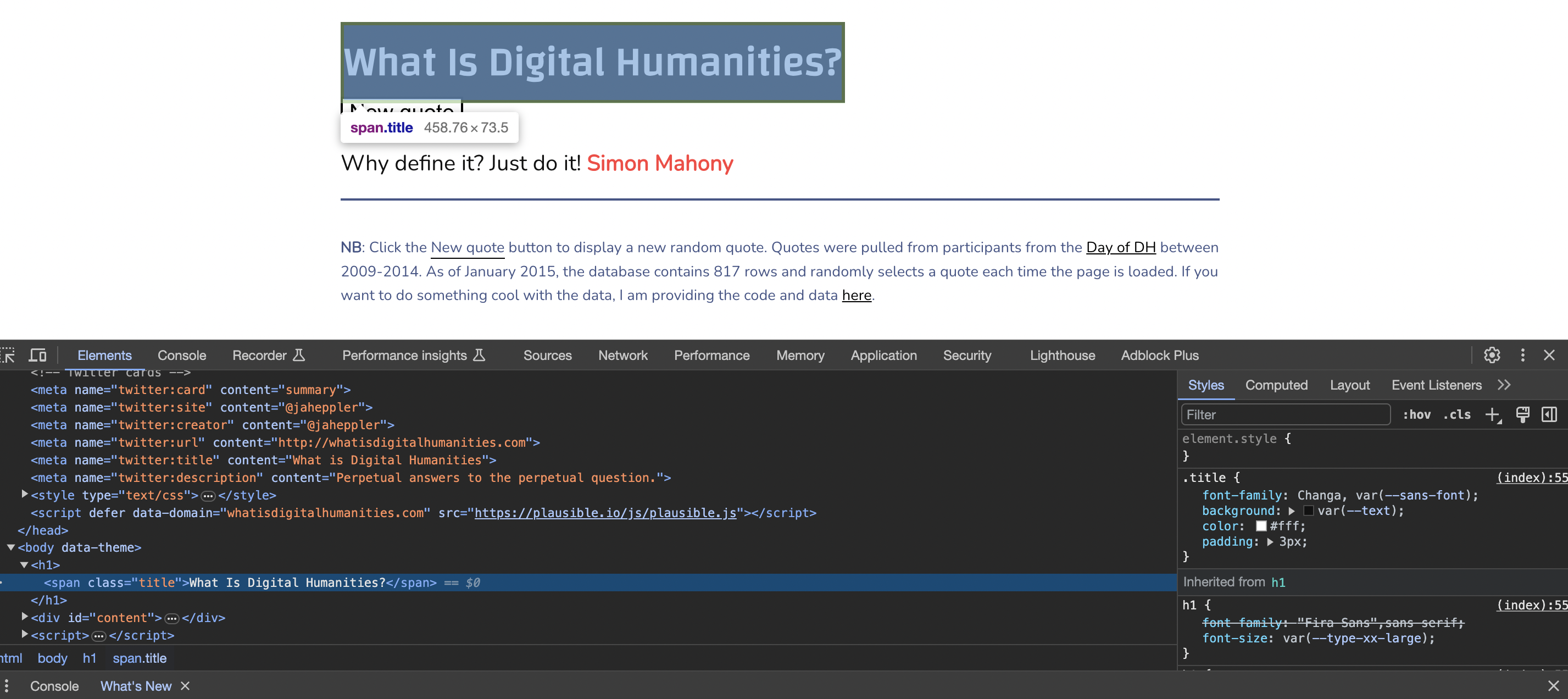
What do we see in the inspector?

What is <!DOCTYPE html>?

<!DOCTYPE html>
<html>
  <head>
    <!-- Metadata about the page -->
  </head>
  <body>
    <!-- The actual content -->
  </body>
</html>

How can we select elements?

Selecting elements in the inspector

What is CSS?

selector {
    property: value;
    property: value;
}
  • Selector (.title) - which elements to style
  • Properties and values - how to style them

What is the style attribute vs. tag?

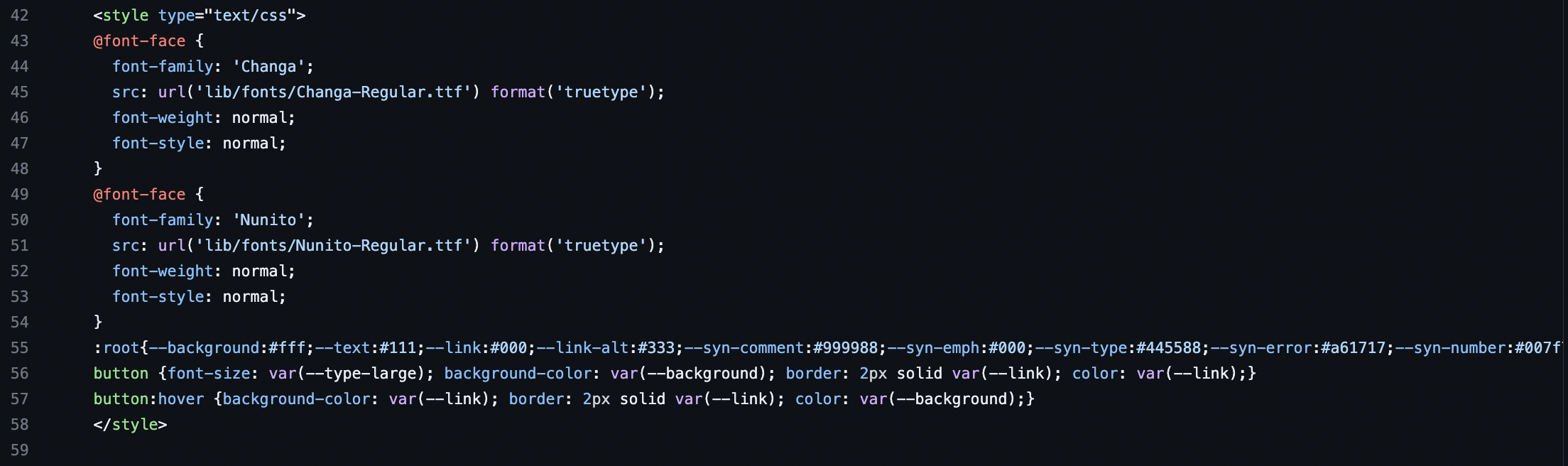
CSS in whatisDH.com

To learn more about this particular code, read the callout Deep Dive Into CSS on the course website.

Learn More about CSS

A great resource for learning more about CSS is the Mozilla docs https://developer.mozilla.org/en-US/docs/Learn_web_development/Core/Styling_basics/What_is_CSS.

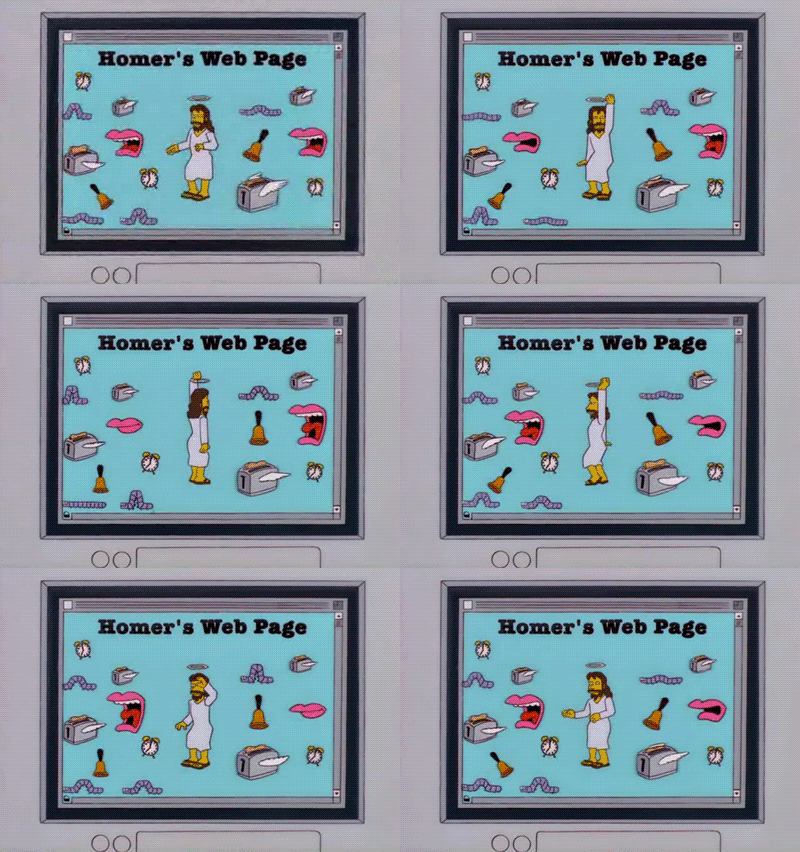
Example of Advanced CSS

What is JavaScript?

What is the tag to include JavaScript in an HTML document?
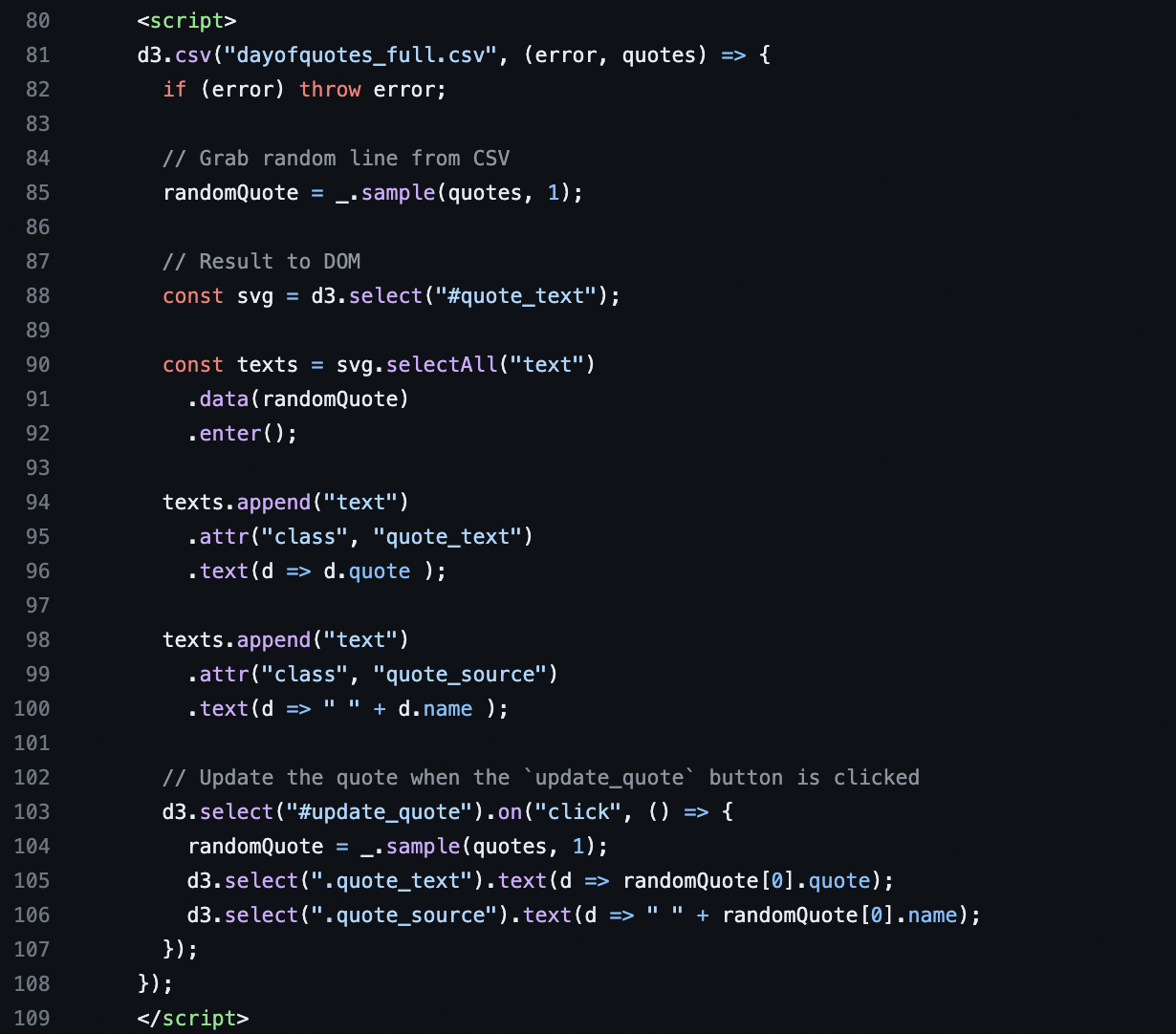
JavaScript code in whatisdigitalhumanities

Is JavaScript a Markup Language?

What is this code doing?

document.getElementById("button").addEventListener("click", () => {
  // Do something when button is clicked
});

What is the DOM?

Document Object Model

html
├── head
│   └── title
└── body
    ├── h1
    ├── p
    └── ul
        ├── li
        └── li

The Three Pillars of the Web

Technology Purpose
HTML Structure - what things are
CSS Presentation - how things look
JavaScript Behavior - what things do

Source and Style Homework

What You Will Submit

Source and Style Homework

Create a source-and-style folder with:

  • a README.md assessing one cultural website
  • an index.html presenting one digitized cultural object
  • screenshots in an images folder, if you use them
  • an ai-chat-log.md, if you use AI

Your HTML Page

Include:

  • standard HTML structure
  • at least one heading, paragraph, div, link, and list
  • a digitized cultural object related to your interests
  • relevant metadata and source links
  • optional styling or interaction

GitHub Submission

Push your work to your is310-coding-assignments repository.

git add .
git commit -m "Completed Source and Style Assignment"
git push origin main

These Git commands work in macOS, Linux, WSL, and PowerShell.

Group Work Time

To dos in your breakout rooms: